




Welcome to the Audi Owners' Club - An Independent community!
Membership is completely free, and our community is built by enthusiasts, for enthusiasts. We’re a proudly independent, non-official club, so all the help and opinions you’ll find here come directly from members with real experience of Audi ownership.
Join the club now!
Popular Topics This Week
-
Hi, New to the site and i am looking for an b7 RS4 here in Ireland. I have my eye on one here in Dublin but the mileage is 82,000 miles. The car has tons of history and is the colour i want. The price is quite high but i am hesitant the increased mileage will devalue the car in a number of years if i ever sell it. I plan to drive the car during the summer months and store it during the winter months. I would ideally like the car to hold its value if possible during my ownership but i feel if i
-
Hi All I have a Q5 Audi TFSI 2018 Petrol with around 72,000 miles on it. I bought it 4 years ago from an Audi main dealer in Epsom. Its has a full Audi service history. I requested a printout recently and its had 4 oil changes since new plus all other replacements you would expect. In June I was travelling up the A303 at around 80 mph and suddenly all the engine lights came on and I could hear a ticking noise coming from the engine. I pulled over maybe a mile later called AA and he took a look a
-
Hi guys, I’m looking for some insight on my problem. It simply started as I pulled out from a car park, I accelerated maybe a little faster than usual nothing extreme, and all of a sudden I lost power. I pulled up for a minute contemplating my life 😂 then proceeded to try and pull away and managed to do so and get home about a mile away. Now the issue is the car is shuddering under acceleration. If I take it really slow through first gear I can avoid it but I mean really quite slow, then I to se
-
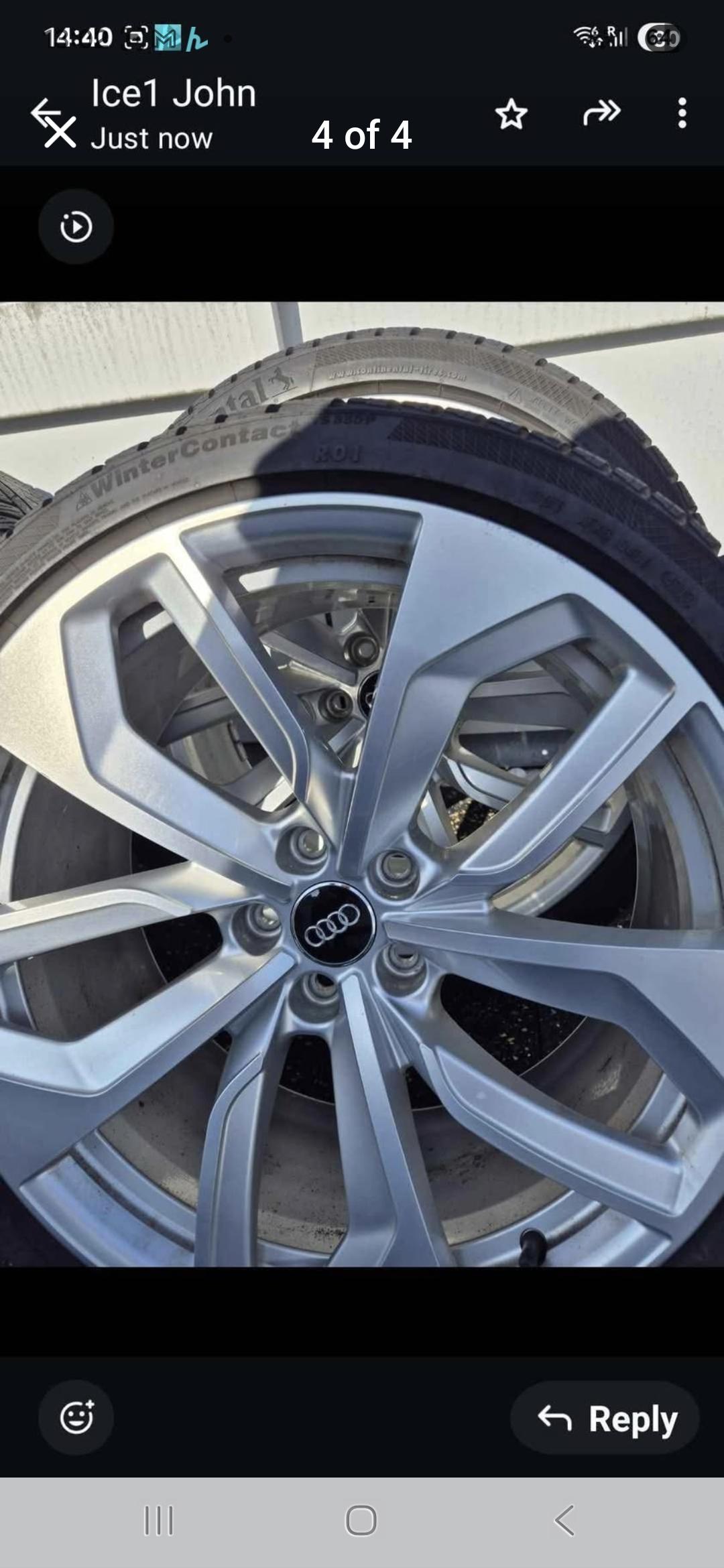
Hello, I am new to the Site. Can I sell original wheels for RS4
-
Just wanted to say Hi as a new member. I have a 2015 A5 cabrio. I have a question. One of my headlights is pointing too high, can anyone help to rectify this please? Is this common? Thanks, Dev




Community Live Now
-
First thing i checked was fuses before disconnecting battery, then attempting reset via control switch,as i stated in post i cannot access boot to get to the pump/control module..i need advice on how to access boot.
-
Reboot here. https://youtu.be/hvxQfG812wY That said, if it was previously making a noise, suspect broken nylon cog on the motor or such like. Trouble with these infotainment screens, is the dash is under constant heat in summer, so any grease will dry out. Search YouTube. Couple of videos they’re accessing screen by removing air vents and accessing screws. You’ll need plastic anti-marr trim tools.
-
Have you checked the fuse? Pretty sure you can manually over-ride. The hydraulic fluid reservoir will be in boot, etc. https://youtu.be/XQsxjGBmEeg?is=upf2_ZM2pLvaf6FR
-
On sites, have used Euro Car Parts and basically collected. Autodoc is good, however will take at least a couple of weeks to arrive. Avoid buying direct from Germany. I used to use Hubauer Shop for genuine BMW kit, however they don’t add tax, so you pay Royal Mail to release. That’s Brexit for you.
-
Have used Febi before, top mount for wife’s BMW i3, VW brake shields, that sort of thing. A 3.0 TDI is a different kettle of fish though. I have an A4 Allroad with 3.0 TDI, so know it’s heavy. Pretty sure the front and rear (front suspension) lower arms are hydra bushes, so basically fluid filled. Lemforder as you say is OE. Only other thing I’d consider is Meyle HD as comes with 4 year warranty. I broke a rear spring on my car and fitted Lesjöfors after cross checking part numbers. Car is jittery as anything, so that’s all coming back out and I’m fitting genuine Audi. With suspension, don’t cut corners. Not saying Febi is bad, but those arms will last fraction of OE Lemforder arm, plus you’ll have labour again to swap out.


The Digestive
-
"The Digestive" Weekly roundup 21st June - 12th July 2026 In this edition of our weekly digest newsletter, we’ll delve into some of the fascinating discussions held over the past few weeks on our forums. From repairs to your favourite models, the club continues to provide a wealth of knowledge. A hot topic has emerged surrounding the Audi A4 (B9), where member squish14, seeking help with a blocked heater core replacement, received a trove of advice. Fellow members discussed the challenges of acc

Albums
-
- 35 images
By AOC Admin -
- 8 images
- 1 comment
By Bernard Courts -
- 8 images
- 1 comment
By Rwalsh -
- 4 images
- 1 comment
- 1 image comment
By wheelnutman -
- 5 images
By Delios -
- 5 images
By Bennyboi -
- 35 images
By Felixwiskers -
- 19 images
By Scott G555 -
- 3 images
By Jake_a38v

Member Statistics
- 47,928 Total Members
- 2,913 Most Online
-
Steeveegee Newest Member ·
