alpha omega
Established Member
-
Joined
-
Last visited
Everything posted by alpha omega
-
mis understanding steve he said its a pig to do
-
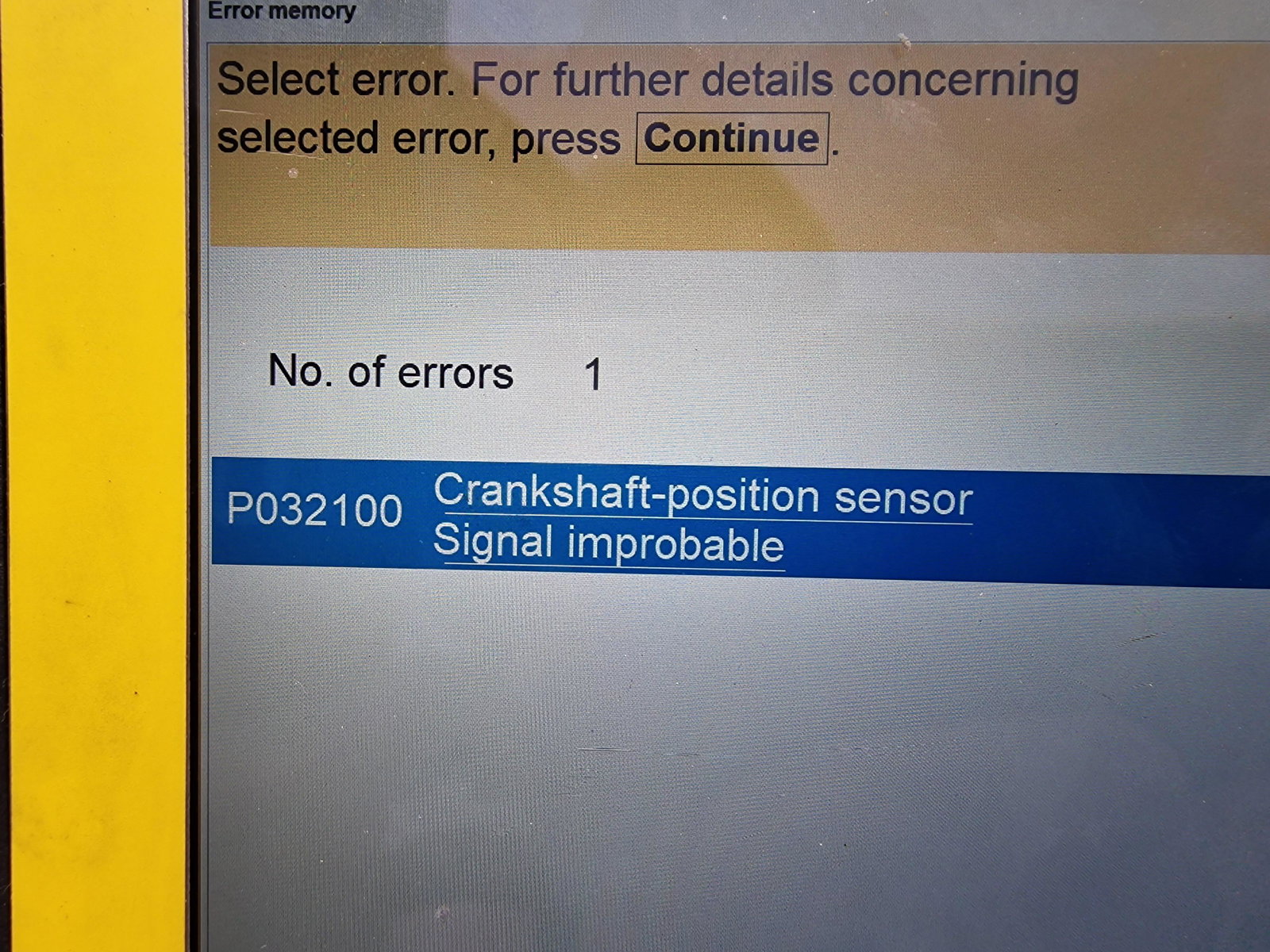
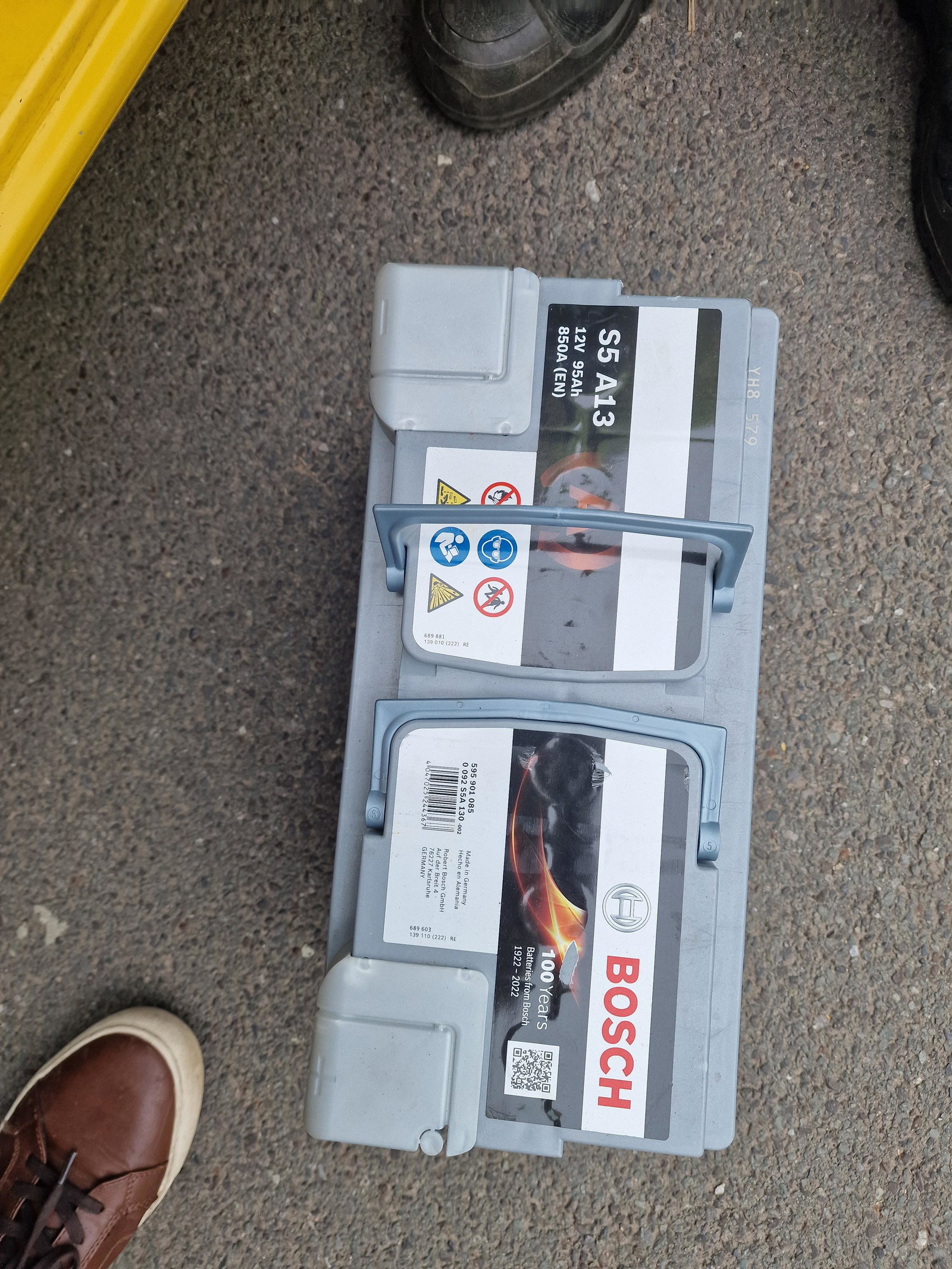
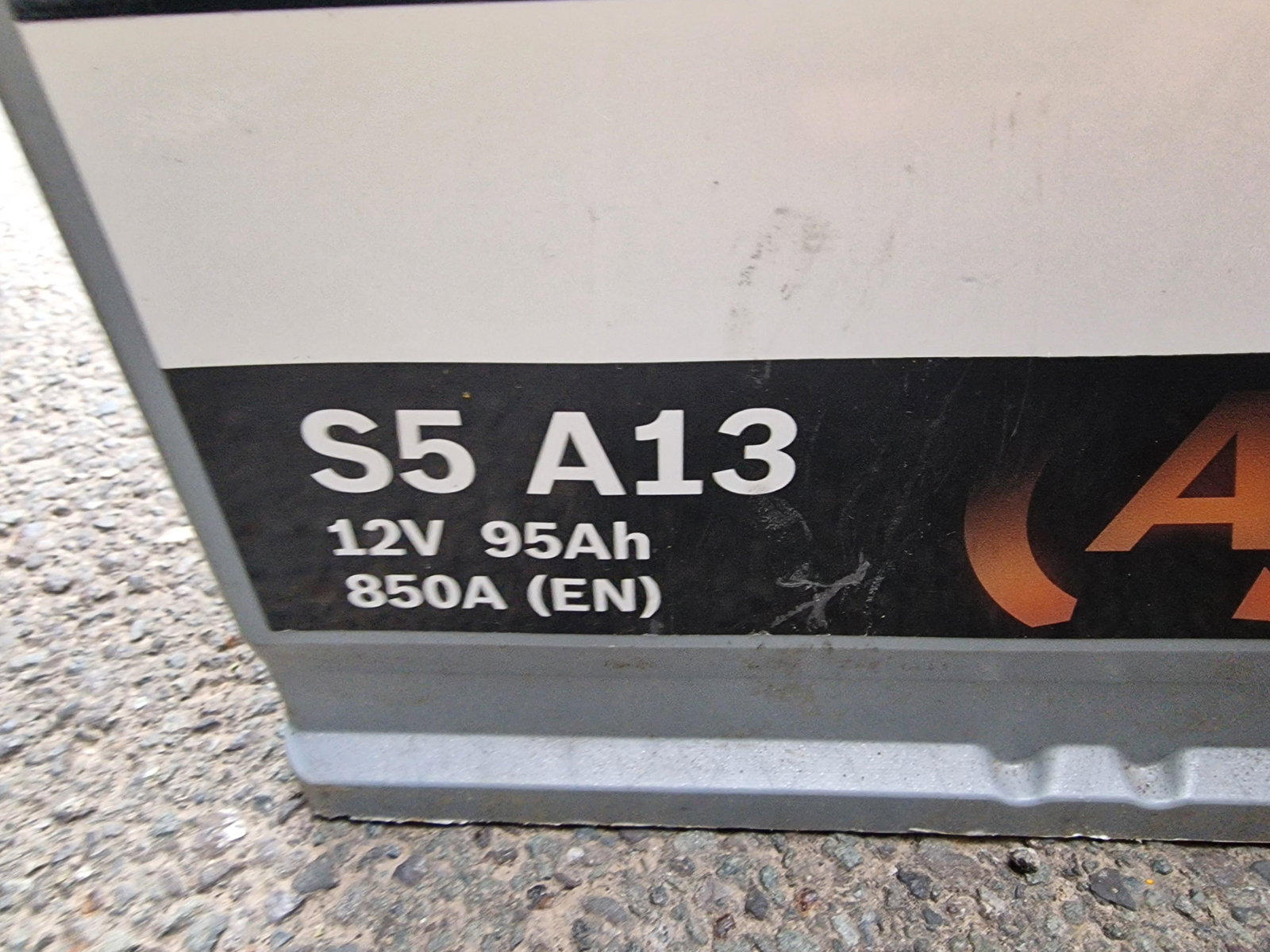
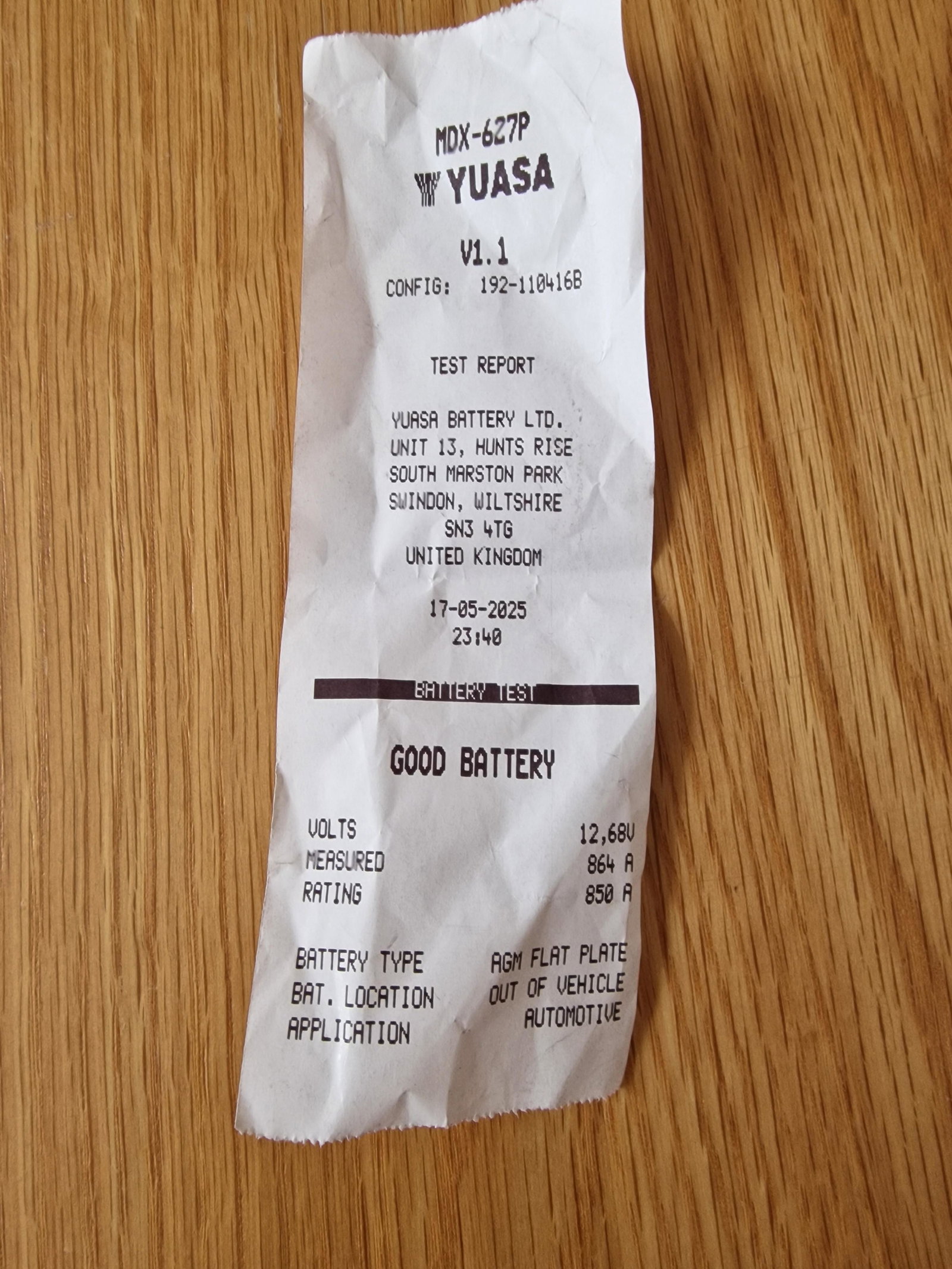
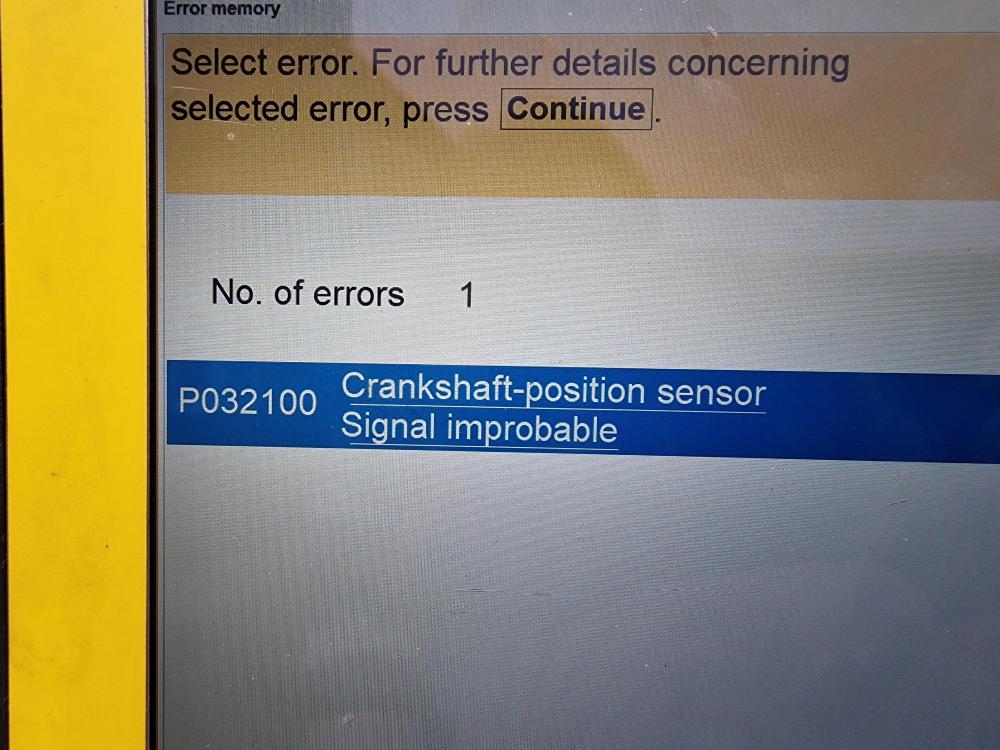
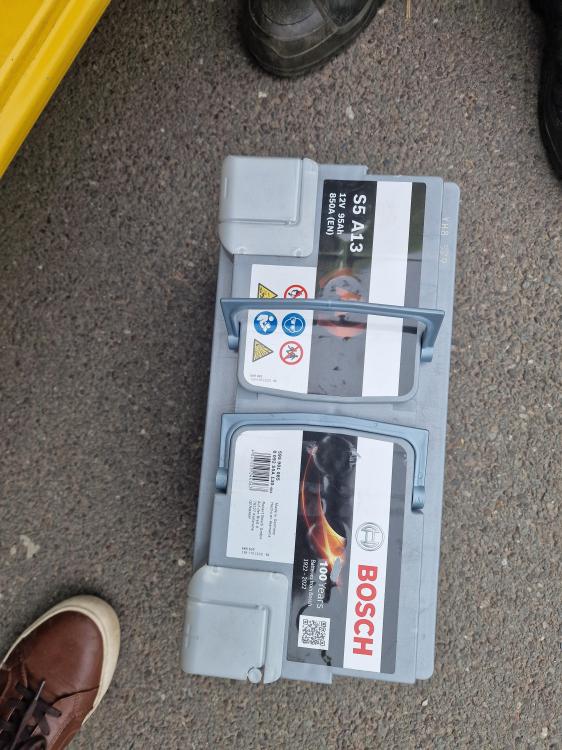
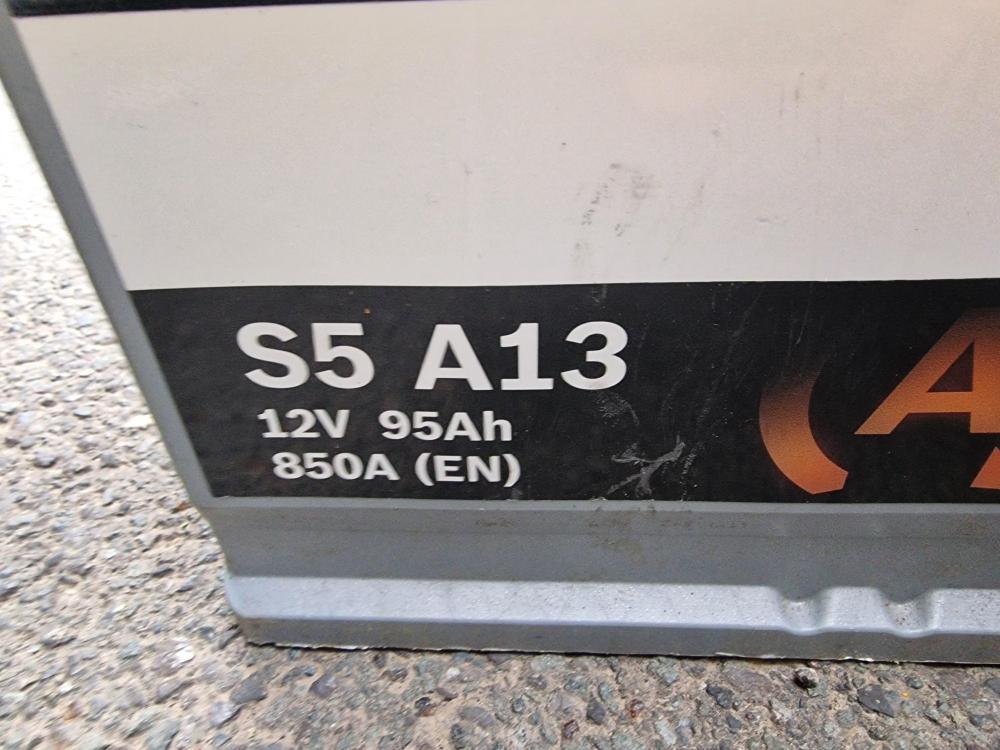
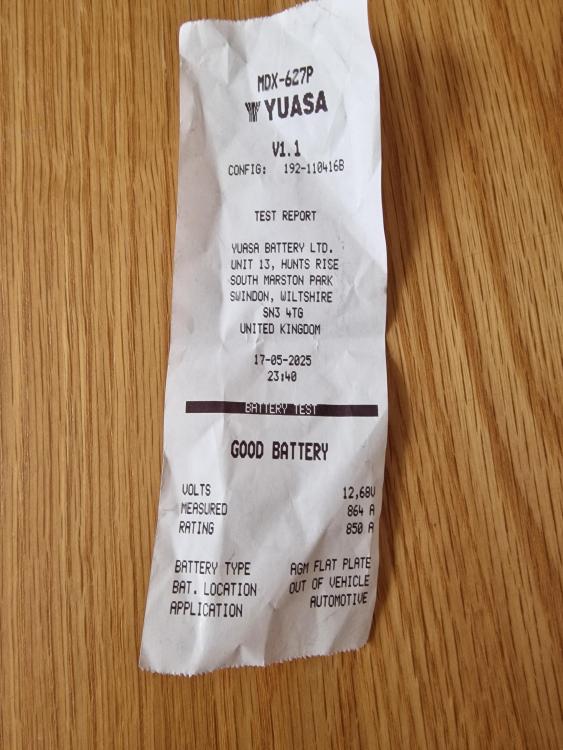
update car cranked over but would not start,so called th AA out.he connected his computer to the car and it came up with crankshaft sensor.he suggested changing the battery as when he connected his battery pack the car started.so we tried a brand new battery(see pics) but it would not start so he took it off.so he said its probably the crankshaft sensor.so left the car overnight so the engine was cold and it started so took it to the garage and 2 days later and a new crankshaft sensor all is good.....the cost at the garage was £47.50 for the sensor and £200 labour....the guy said it was a pig to get to at the back of the engine.so i would suggest leaving this one to a garage.thanks all
-
hi clifford no but its turning over ok not sluggish
-
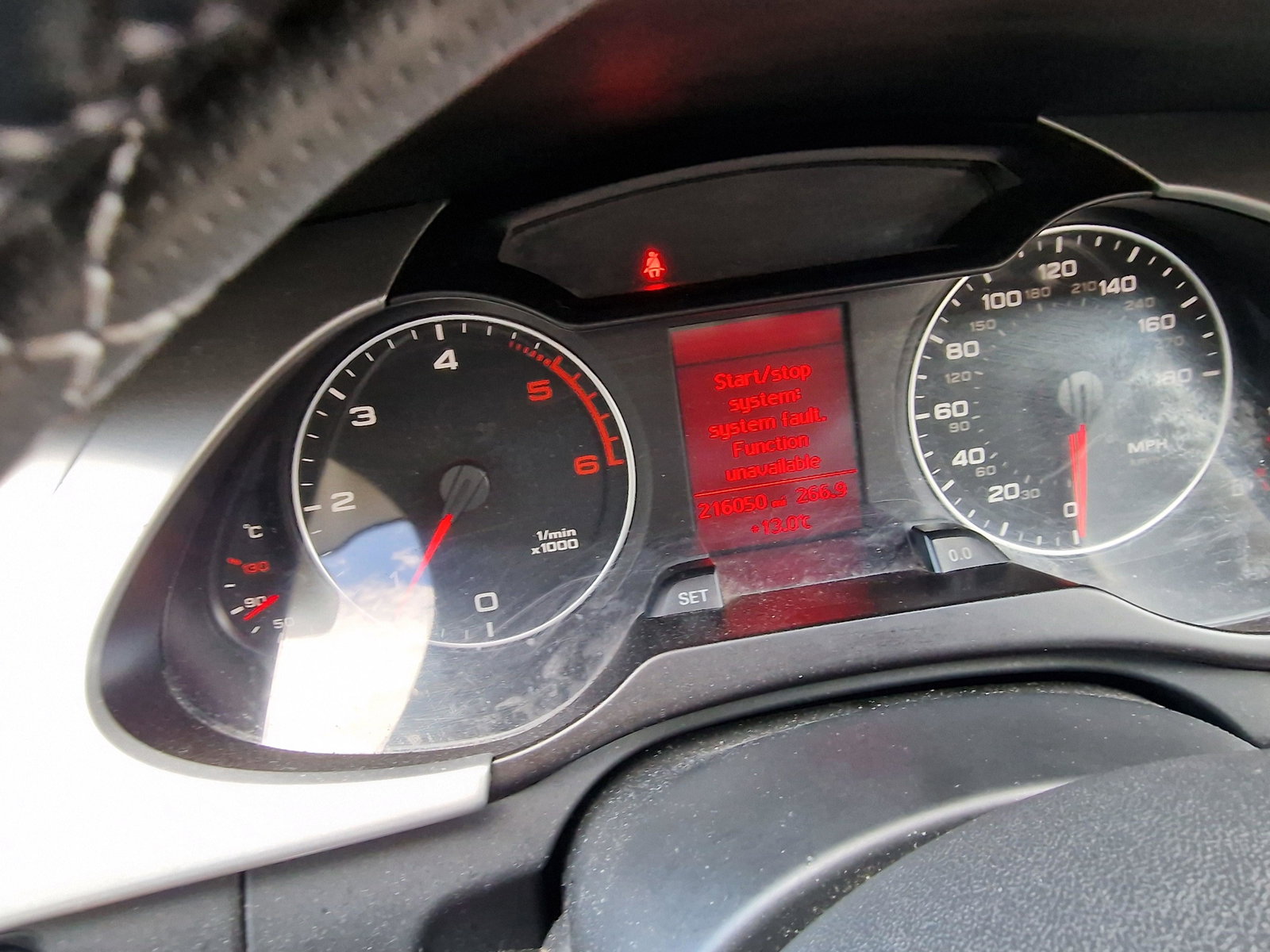
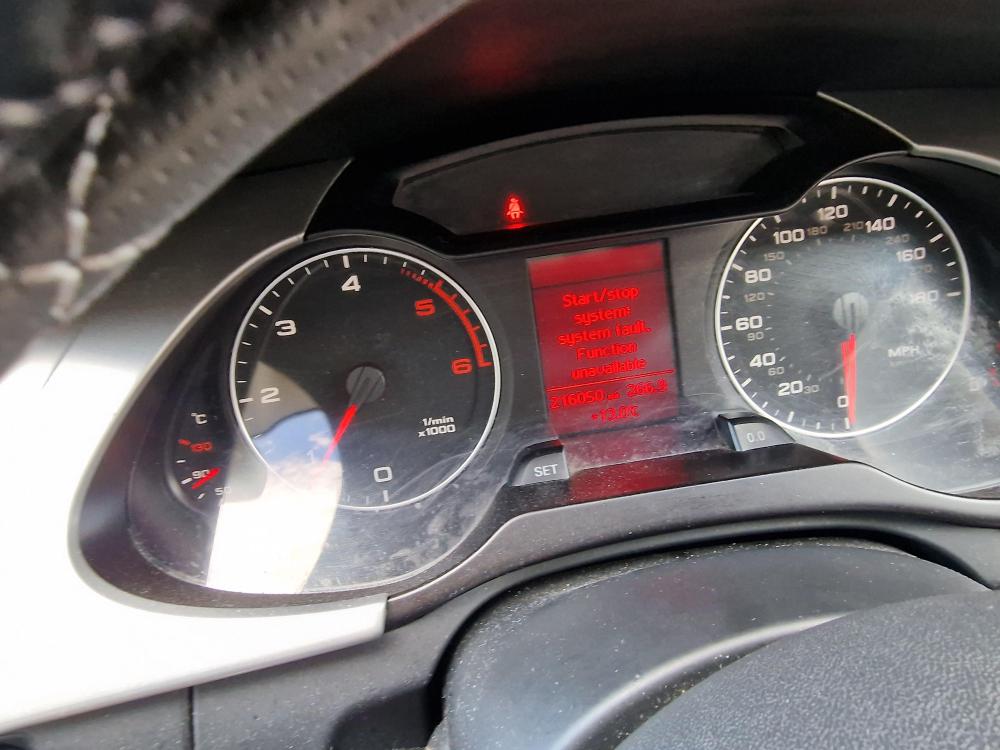
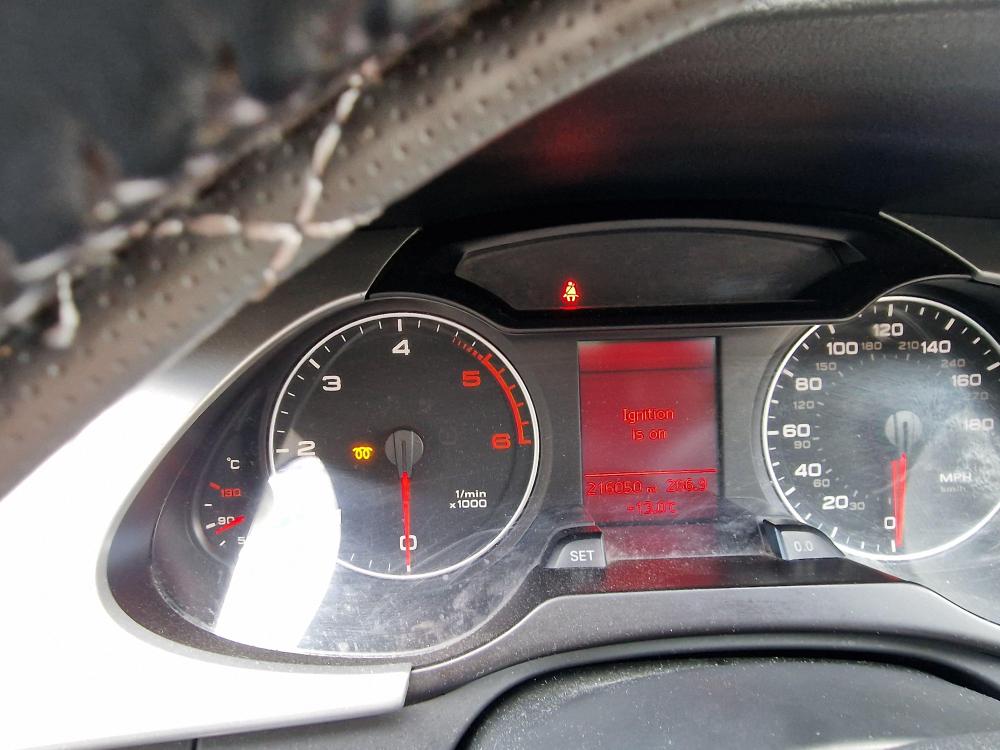
hi all,my stop start is playing up.sometimes the car wont start.can someone tell me if i will need a re-conditioned starter motor,or will it be something else in order to fix it......the battery is strong..thanks all stephen
-
they are very reasonable quotes mine was a pig to do but that was on a audi a4 2011 tdi
-
its there clifford £19,199
-
hope you,ve found a battery drainage solution
-
ah right we can see it says audi 2004 in your signature
-
a belated merry christmas to you steve and the admin team thank you
-
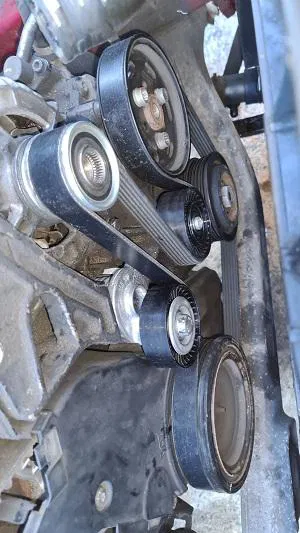
ignore the picture above.....this is the only pic i have.....
-
please ignore this picture wrong one
-
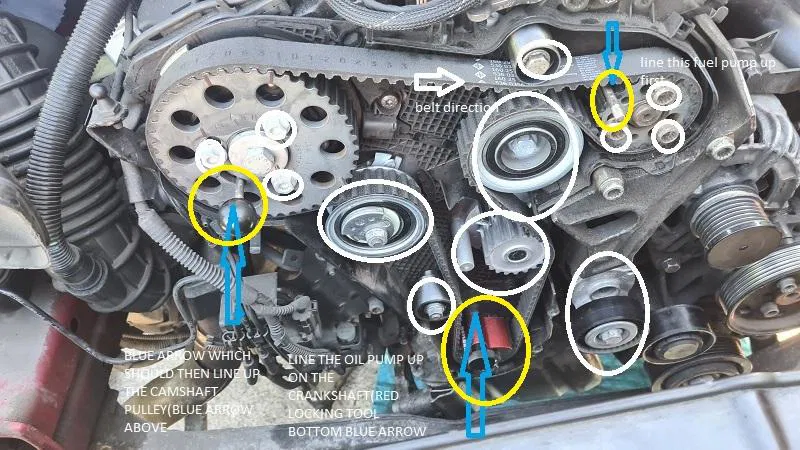
could this be it.
-
video works with me using google chrome
-
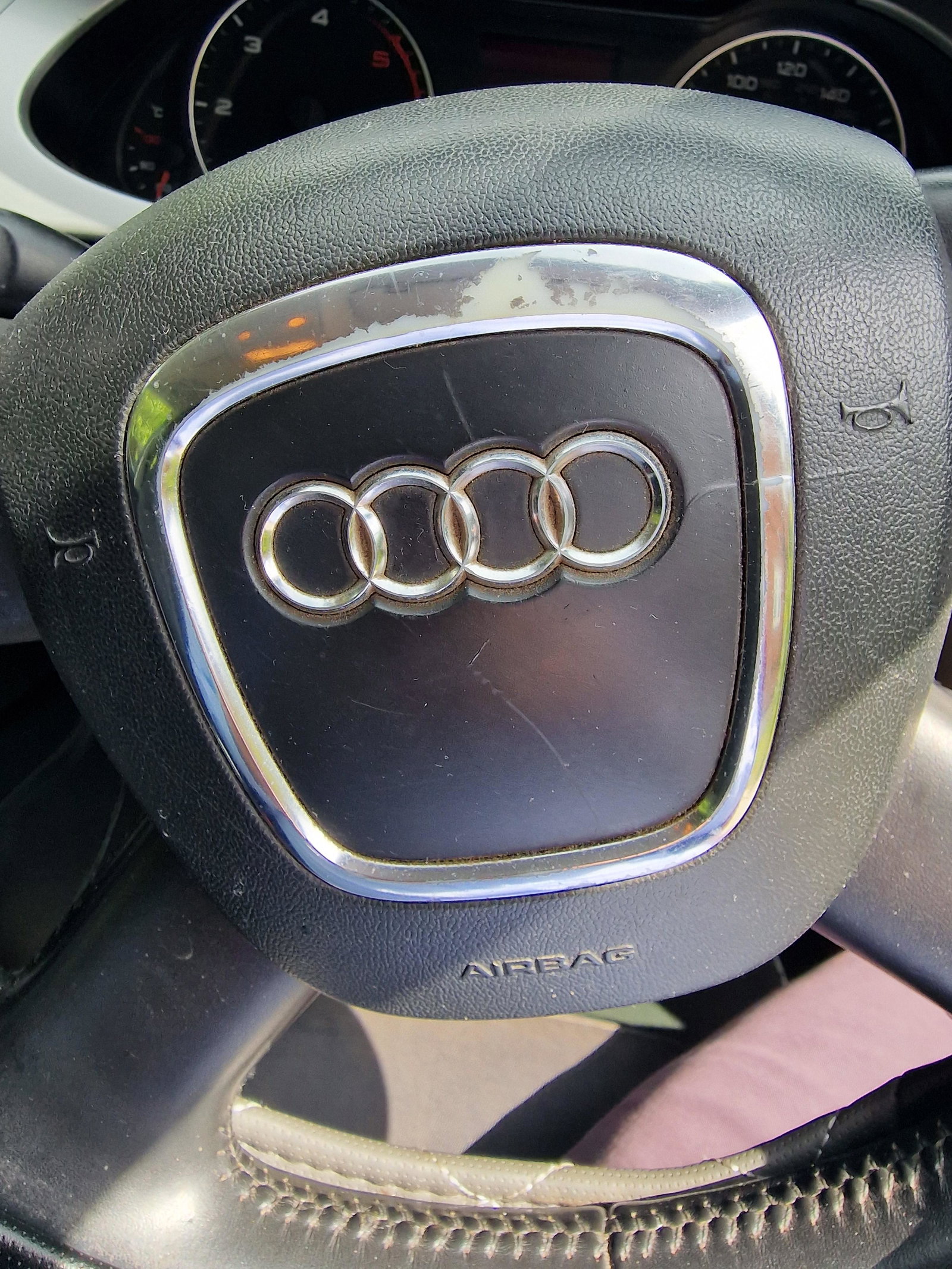
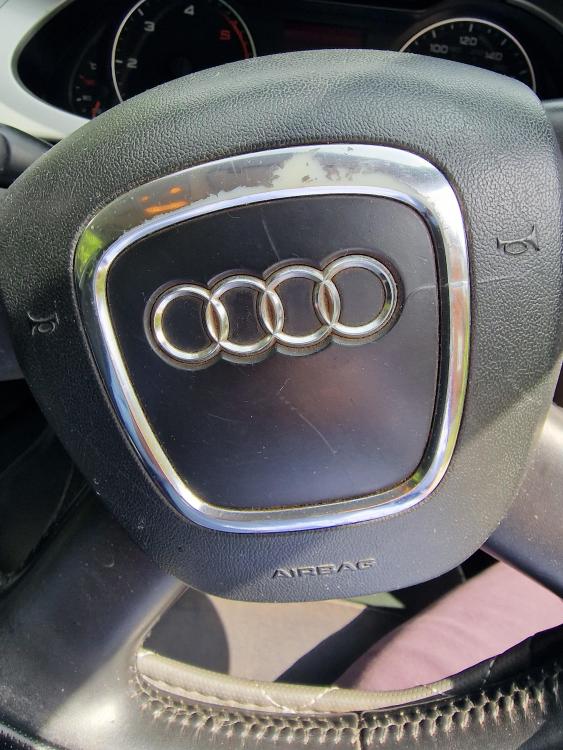
hi all,has anyone removed the steering wheel centre ring badge and audi rings from the airbag. if yes where did you get a replacement from as mine is worn.thanks stephen
-
ask your mechanic see if he/she can look it up
-
who knows why the machine says wiltshire clifford.also the dates wrong,as i had it checked today lol
-
you make sense gareth....unfortunately i am on a budget(yorkshire man)lol
-
i bought an audi a 4 b8 with bills and with one bill it said clutch high.it showed no signs of slipping then 3.5 years later it suddenly started to go then went completely while on a busy by pass.all changed including fly wheel £1500 garage in north yorkshire
-
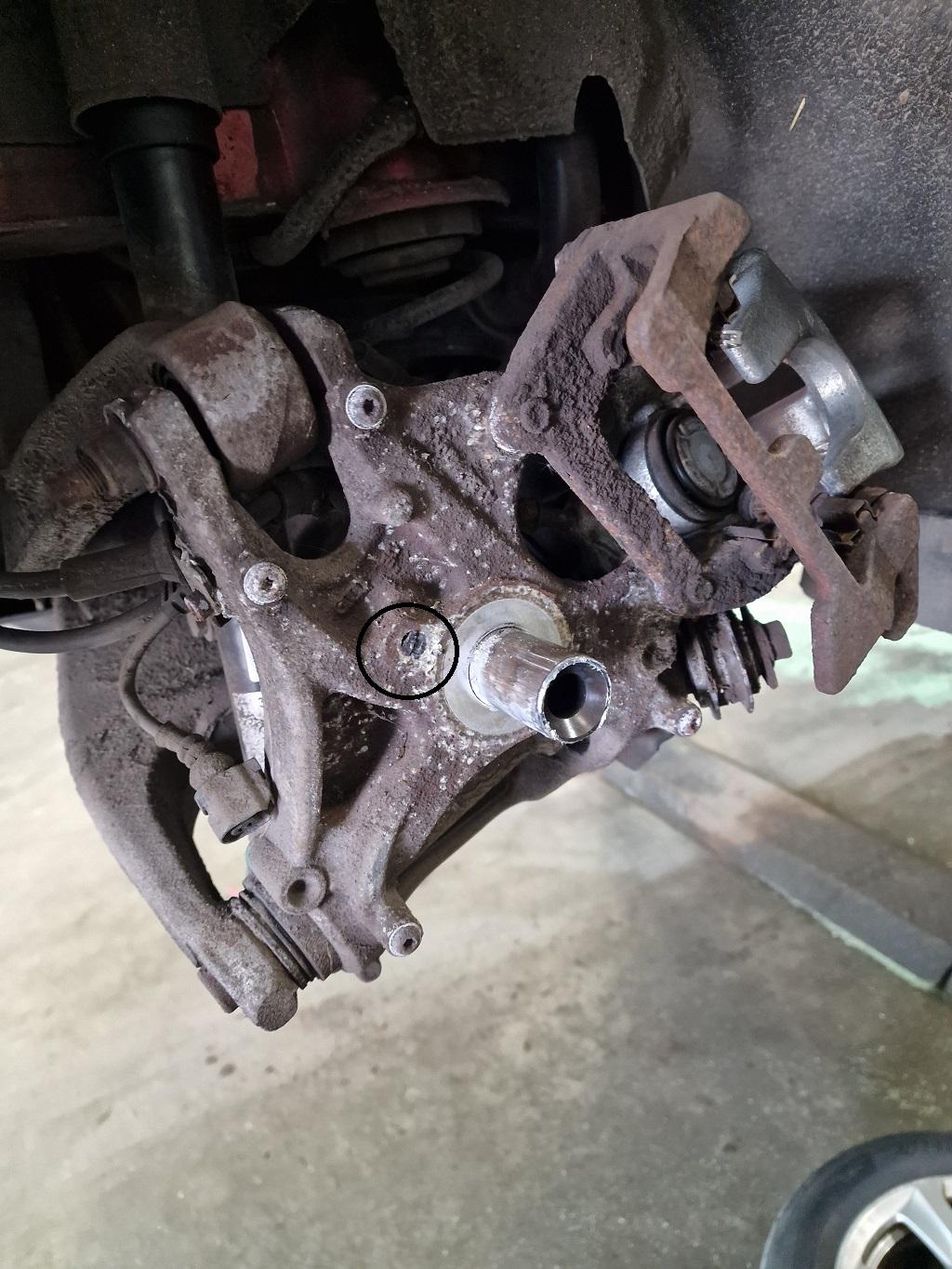
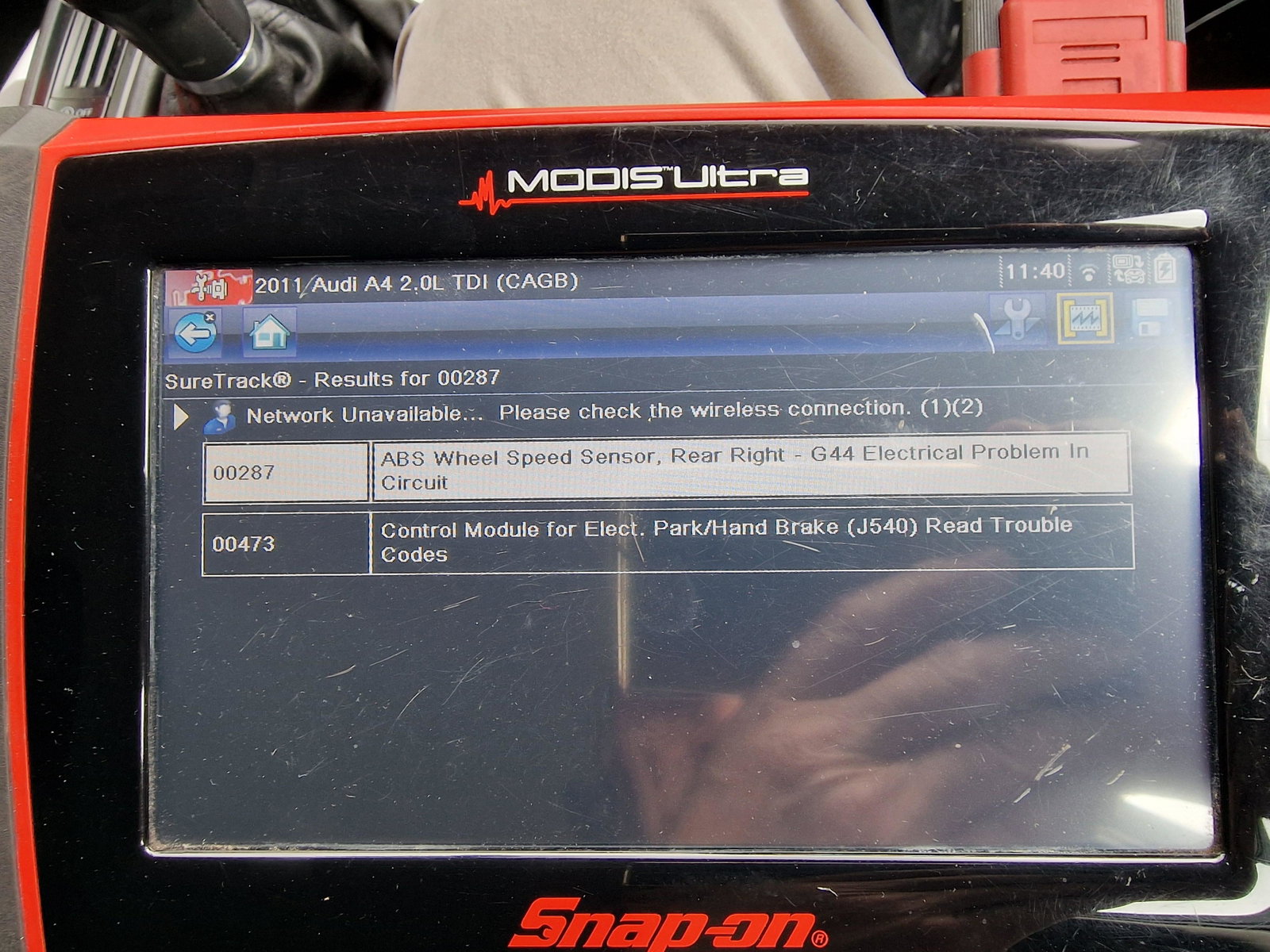
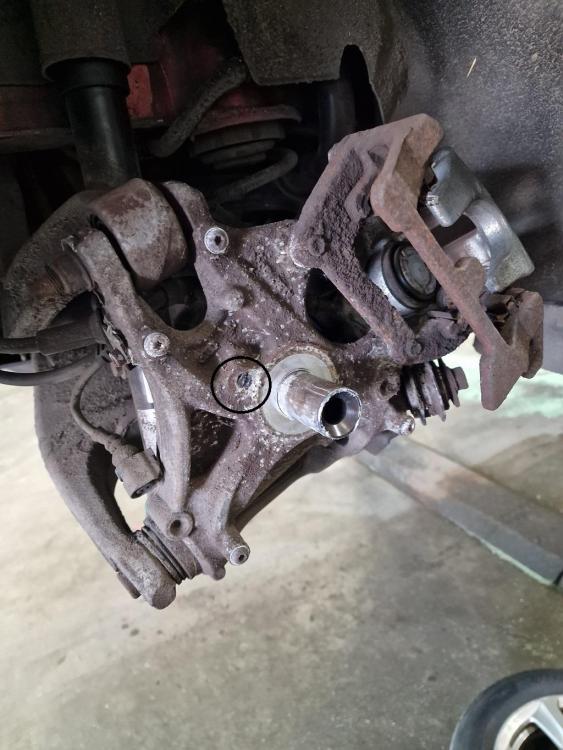
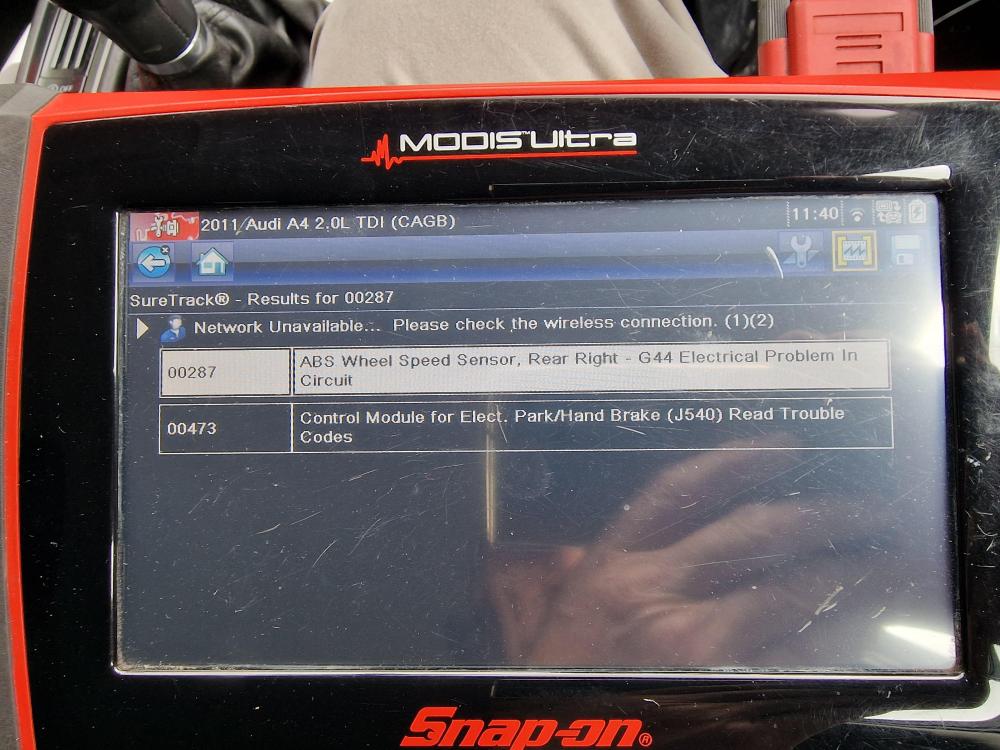
update.... garage managed to squeeze me in was worth the wait....it was the offside rear speed sensor,but he had to remove the wheel hub to get to the sensor.(circled in the picture)....it was seized so knocked out what he could then used the air gun with a grinder on the end to get the rest out.let that be a warning to anyone.(garage job).here is a picture with the wheel hub removed.no more warning signs and 2 bleeps everytime i turned the ignition on.thanks everyone for your thoughts.
-
update again here is a read out for now on the battery until i can find somewhere to have it fully checked over
-
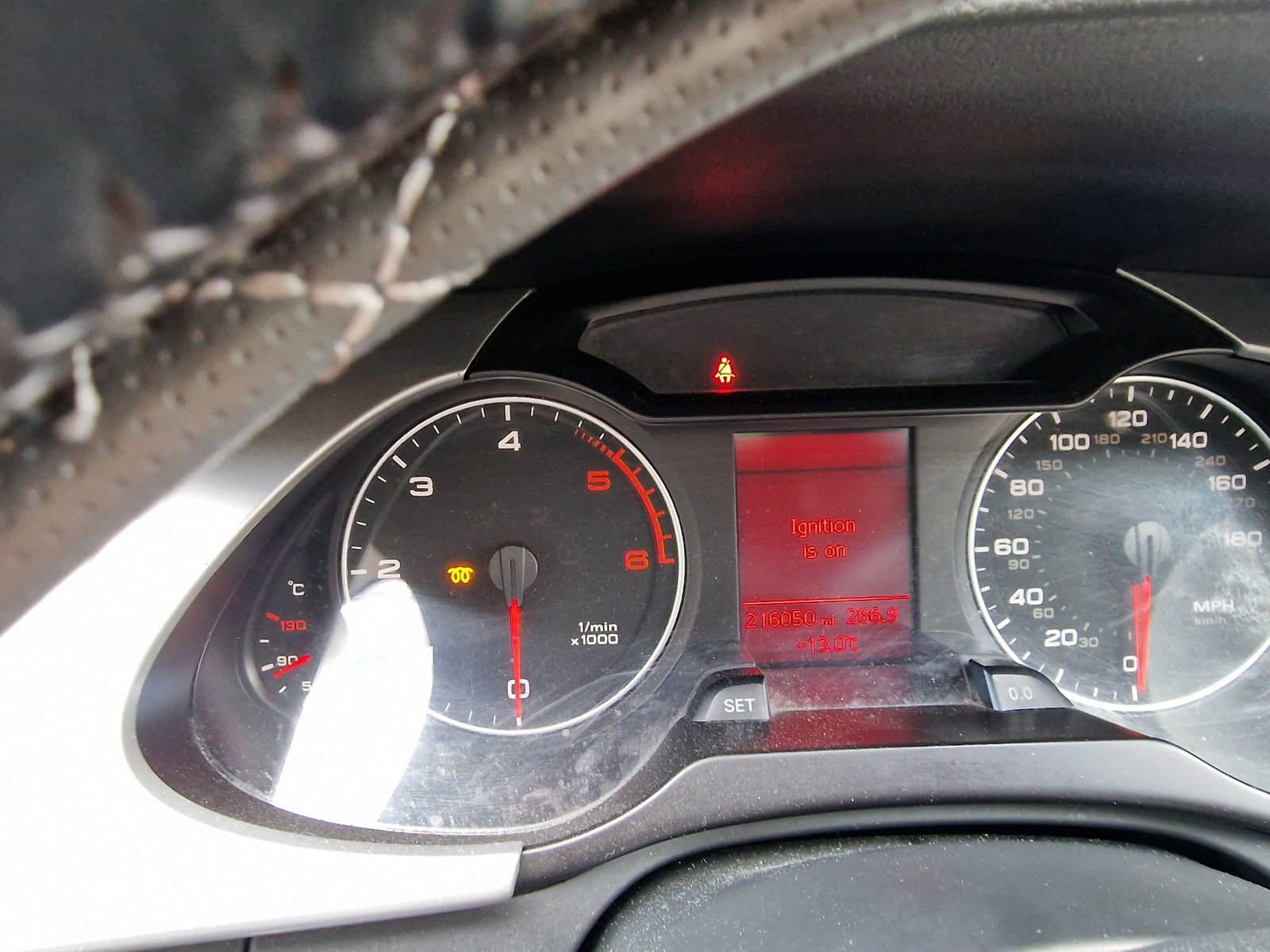
update this is what a scanner is saying should i still go down the route of a battery cannot get into a garage some i wont touch
-
had the battery changed a few months back,and halfords said it never needed coding.but it was a halfords battery i bought from ebay.they said it was new and i trusted ebay and halfords lol
-
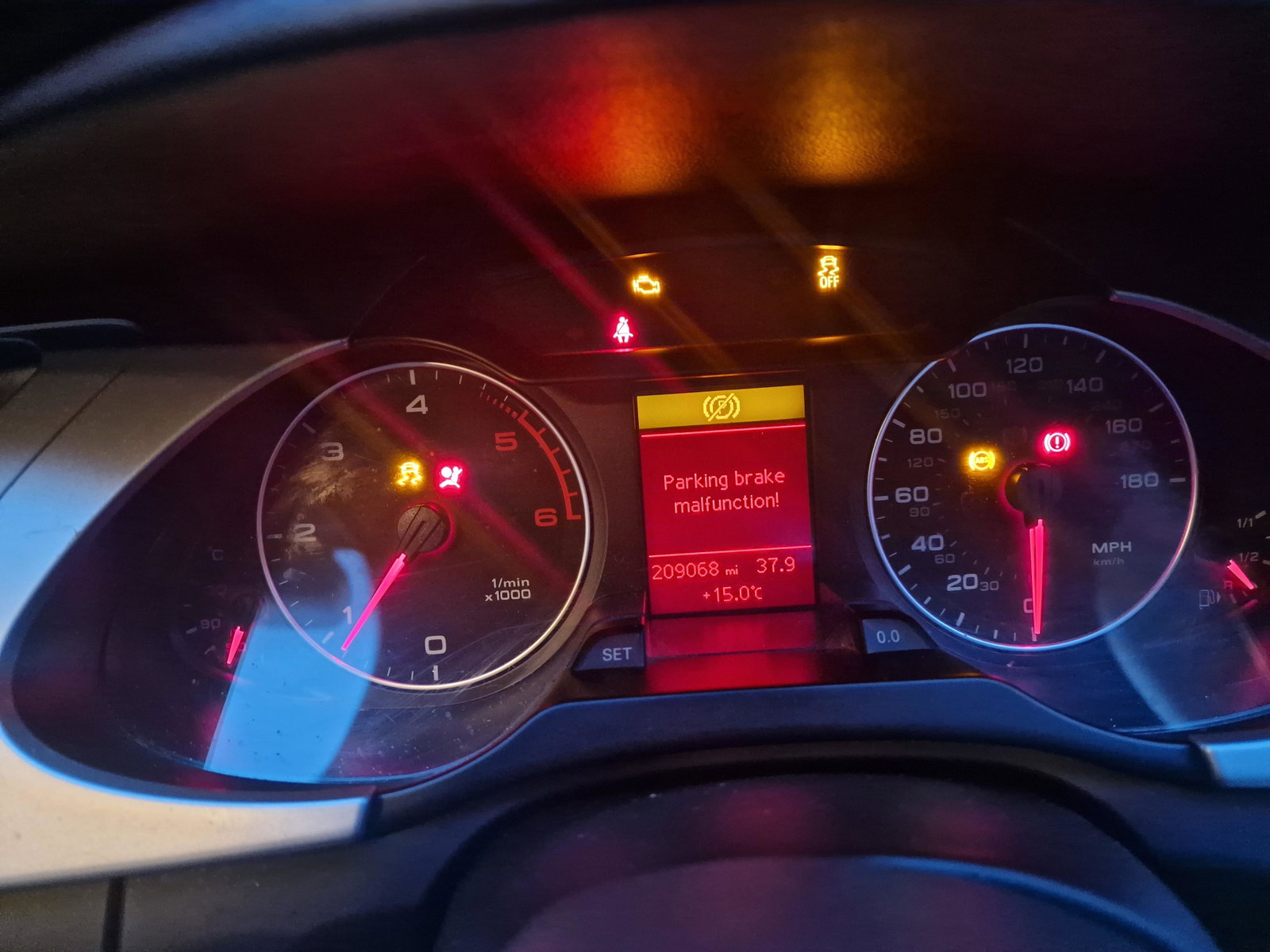
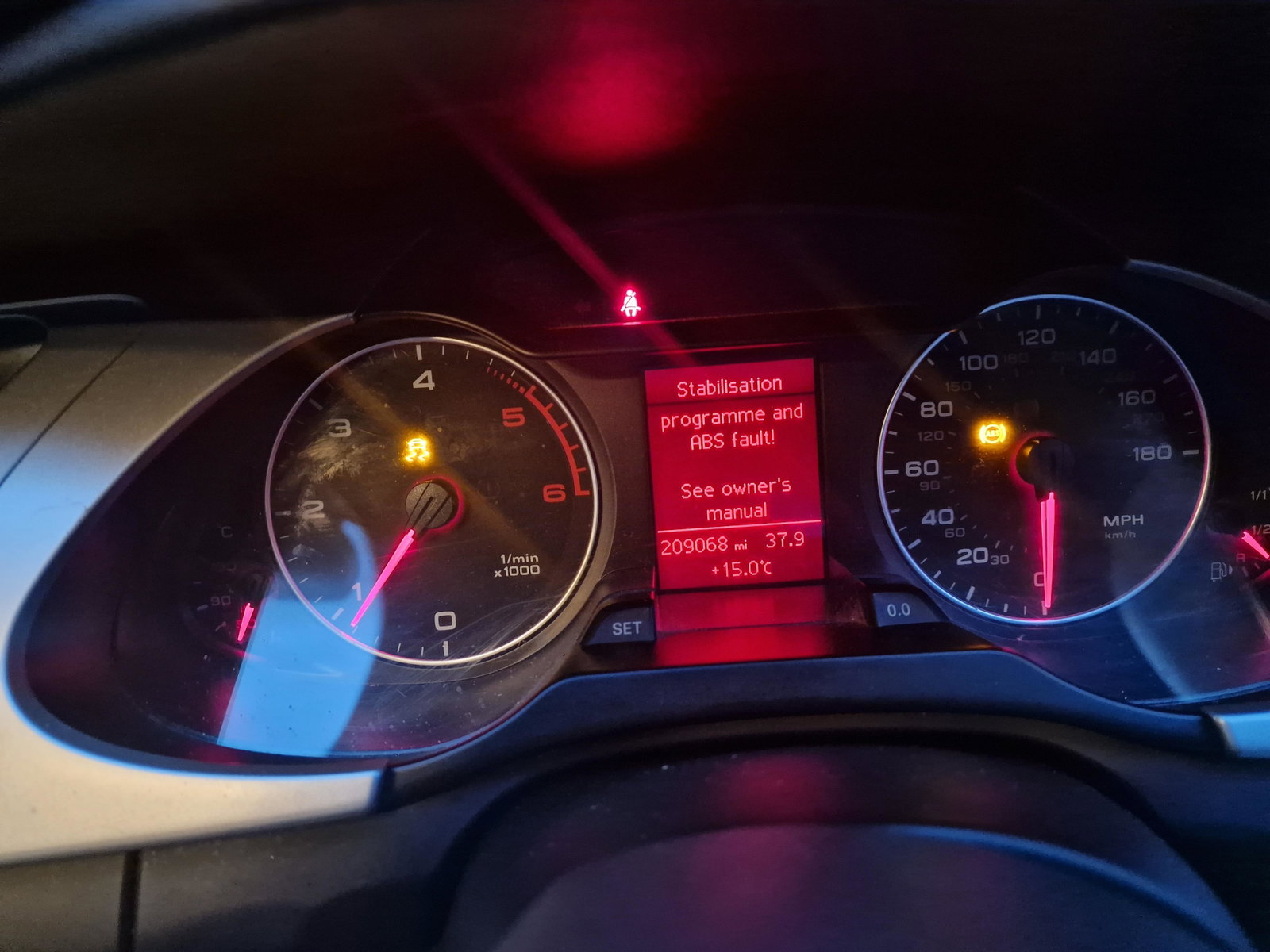
i had the rear calipers changed by the garage 3 months ago at a cost of around £500.i tried ringing the garage i know they are quite busy they have been good to me so i will try them first and let you know.....i tried clearing the faults ,but come straight back on...AA gave me a quote online at 285 fitted.....but left that for now until i know what the garage comes up with....but strangely enough the cd player showing its faulty too.....hence i thought battery....i mentioned about the battery a while ago but never come back to you all as everything was going ok....so sorry. regards stephen
-
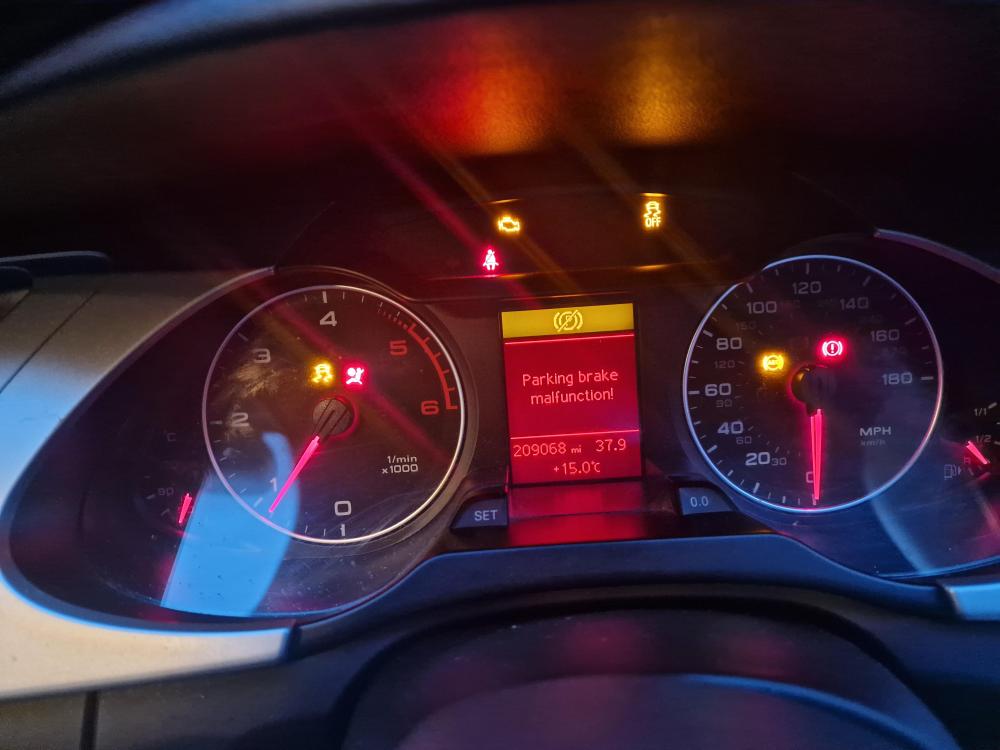
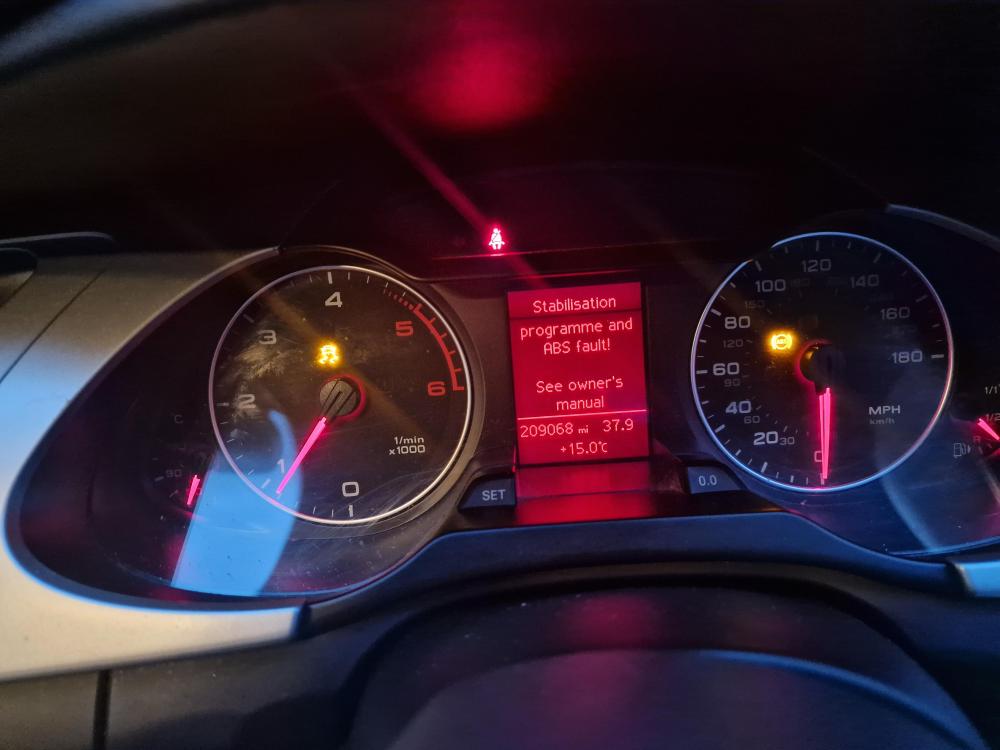
hi,gareth thanks for your imput will upload pics soon of faults
-
audi had quoted 582 fitted........update and solution AA said its not the battery its a sensor on the back brake caliper,causing three yellow lights and two warnings when ignition on.."phew" thats a relief thanks all