Vanderlust
Members
-
Joined
-
Last visited
-
Small update - I asked about buying a £10 sensor on eBay before and ended up buying it to see if it worked. Fitted it myself and it cleared the error message right away. Been driving for couple weeks now and so far so good! Total cost about £10 delivered. Saw a few of those sensors (original type) on eBay now. Seems that they do work, and not sure what the updated version benefit is. Maybe more reliable. If this one goes I’ll fit a newer B one.
-
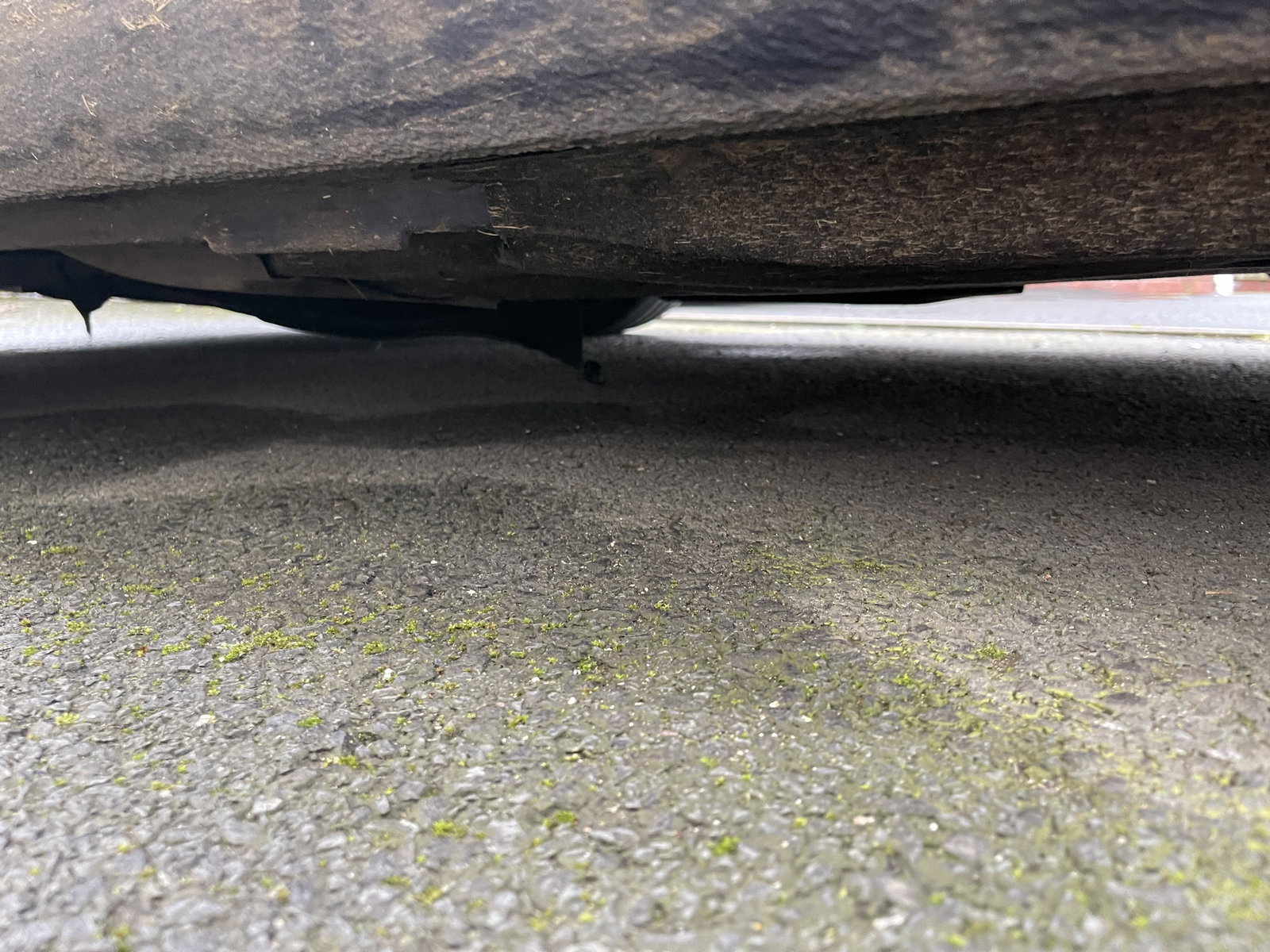
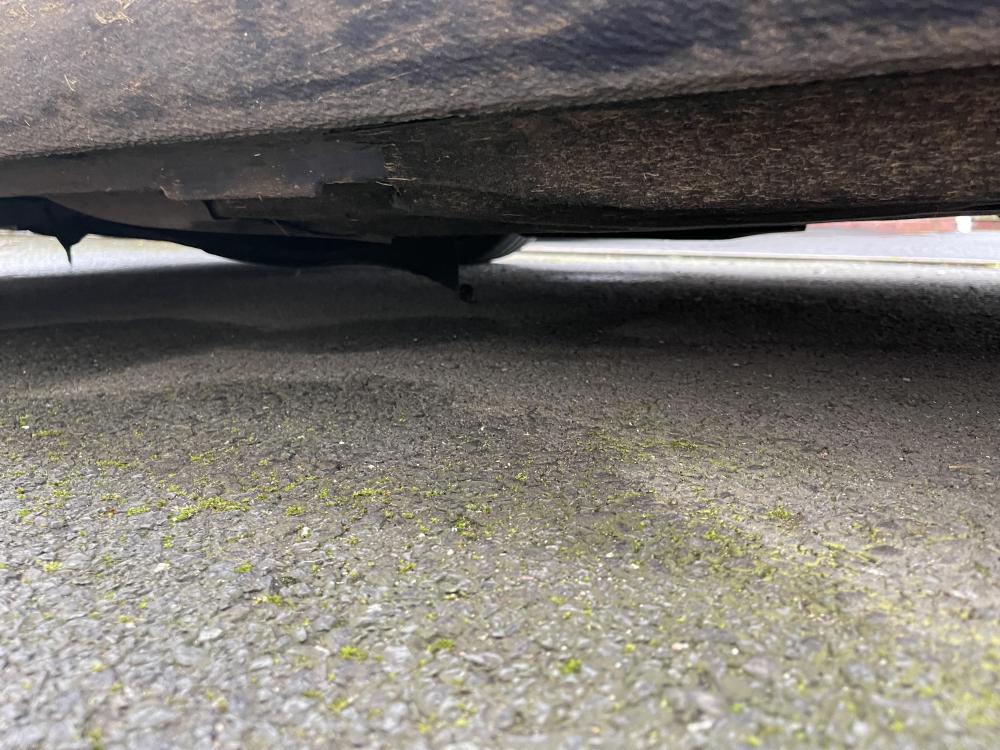
Is this an easy fix? Ideally I’d like to order a part online and ask a local garage to fit it cheaply if possible unless it’s more complicated than that. Something must have hit it and damaged it. Really strange, can’t think when or how but it’s annoying when the road is a bit curved and it scrapes! Awful noise! Sorry photo isn’t great A4 Avant 2016 2.0 TDi What I’m finding a little confusing is whether I need under trays like here: https://www.ebay.co.uk/itm/AUDI-A4-B9-NEW-GENUINE-FRONT-UNDERBODY-UNDER-TRAY-COVERS-PAIR-SET-/174654561831?mkcid=16&mkevt=1&_trksid=p2349624.m46890.l49286&mkrid=710-127635-2958-0 or A one piece under tray like here: https://www.buycarparts.co.uk/hd-karosserieteile/15099644
-
Hi all - I want to try changing the sensor myself after watching the brilliant video earlier! I see these sensors going got as little as £11 now on eBay. Is there any difference between the ones at 50, or £11? They look the same and have the same model code: 5Q 0906207 Maybe some are A and some are B and aren’t stated, but would it really make a difference?