Skip to content
View in the app

A better way to browse. Learn more.

Audi Owners Club (UK)

A full-screen app on your home screen with push notifications, badges and more.

To install this app on iOS and iPadOS
  1. Tap the Share icon in Safari
  2. Scroll the menu and tap Add to Home Screen.
  3. Tap Add in the top-right corner.
To install this app on Android
  1. Tap the 3-dot menu (⋮) in the top-right corner of the browser.
  2. Tap Add to Home screen or Install app.
  3. Confirm by tapping Install.

kazapples

Members
  • Joined

  • Last visited

Everything posted by kazapples

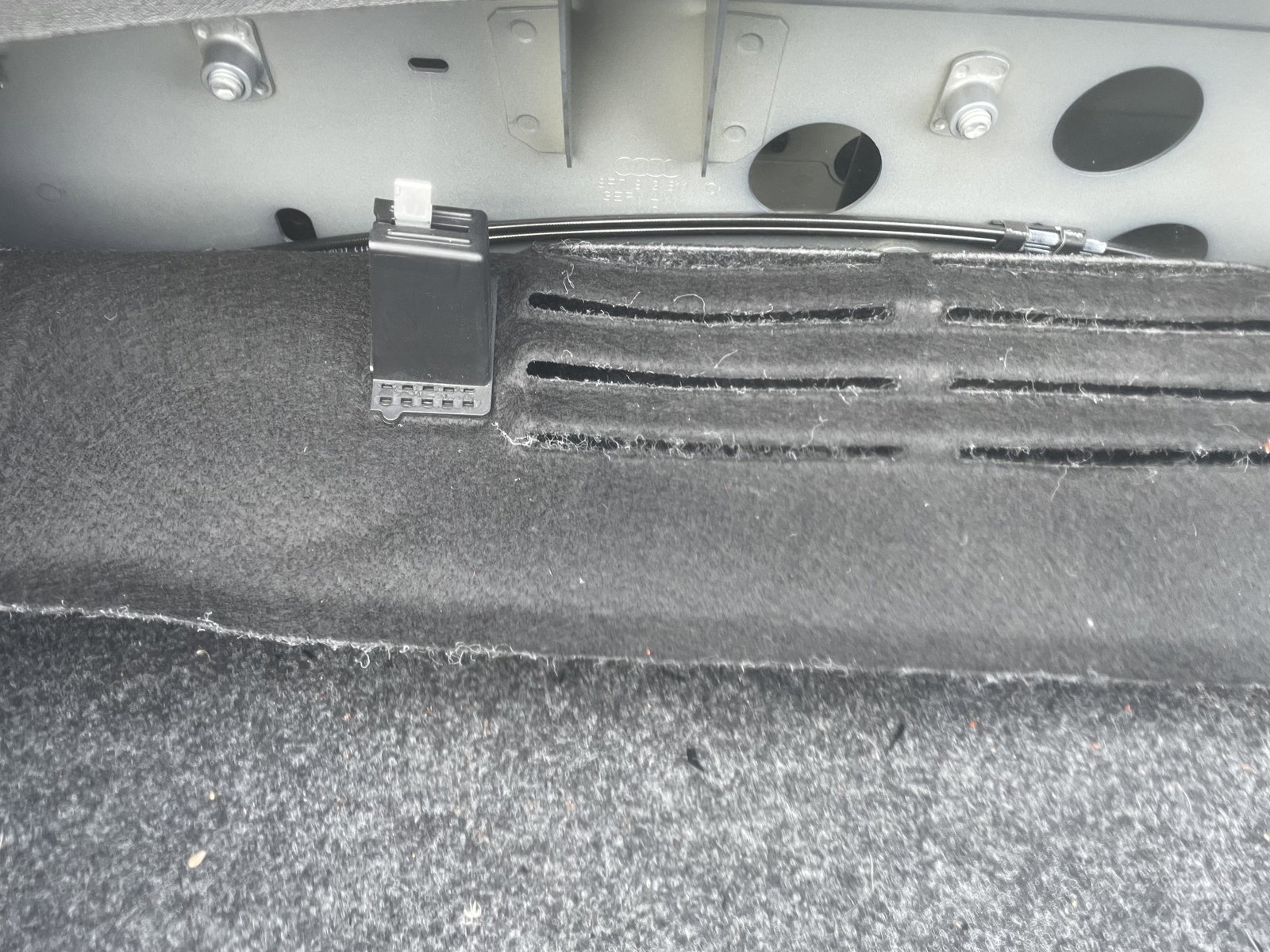
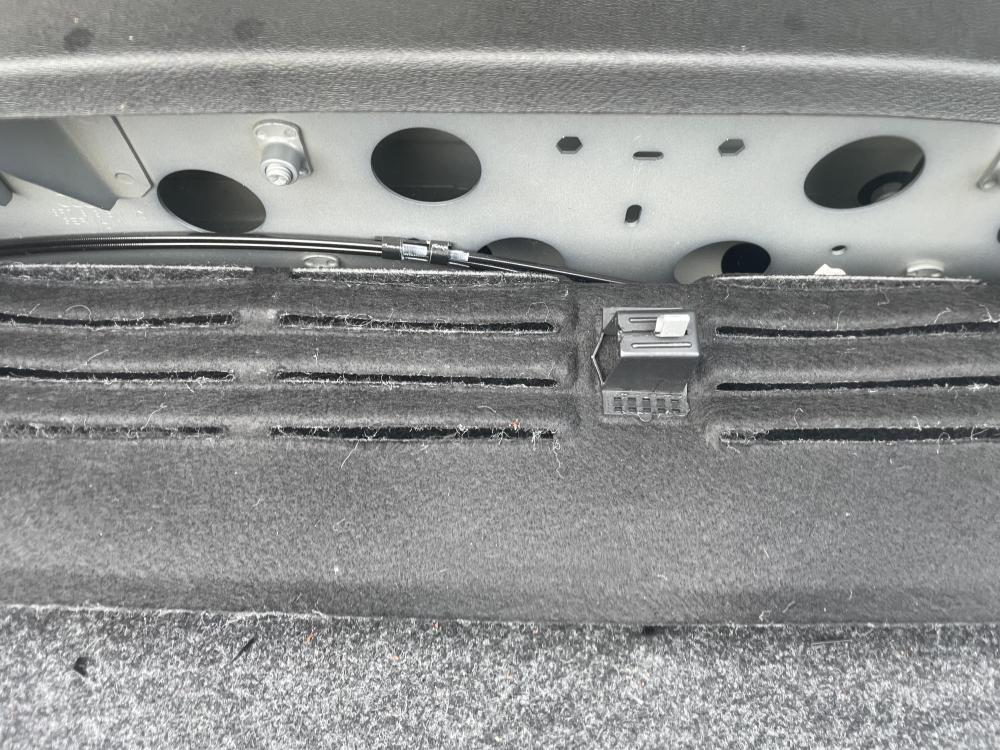
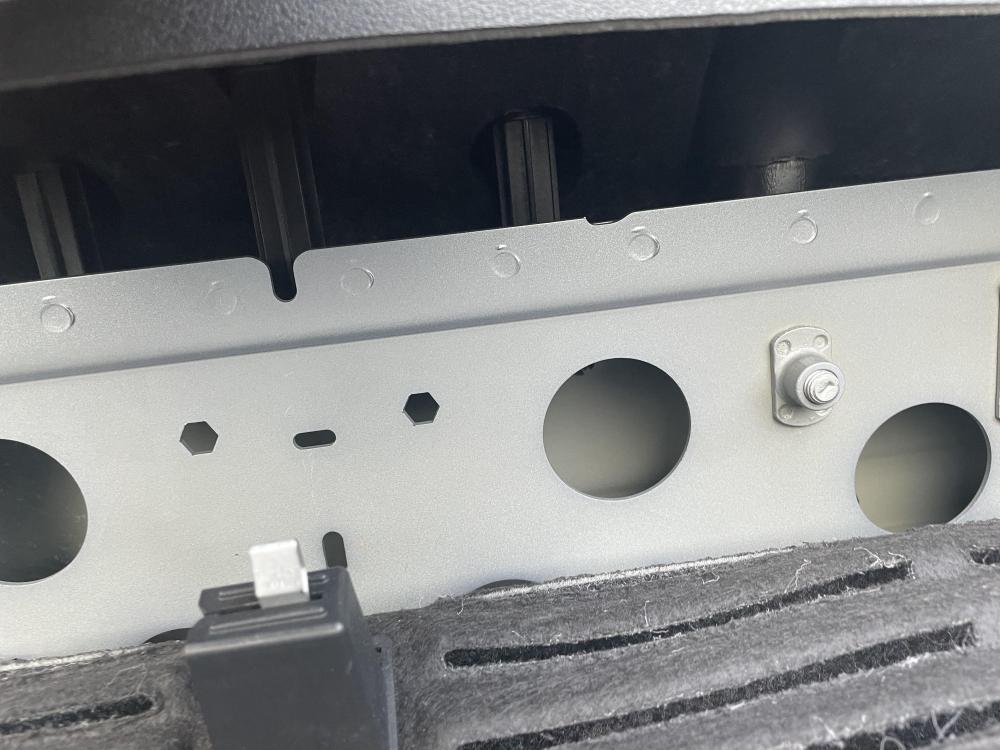
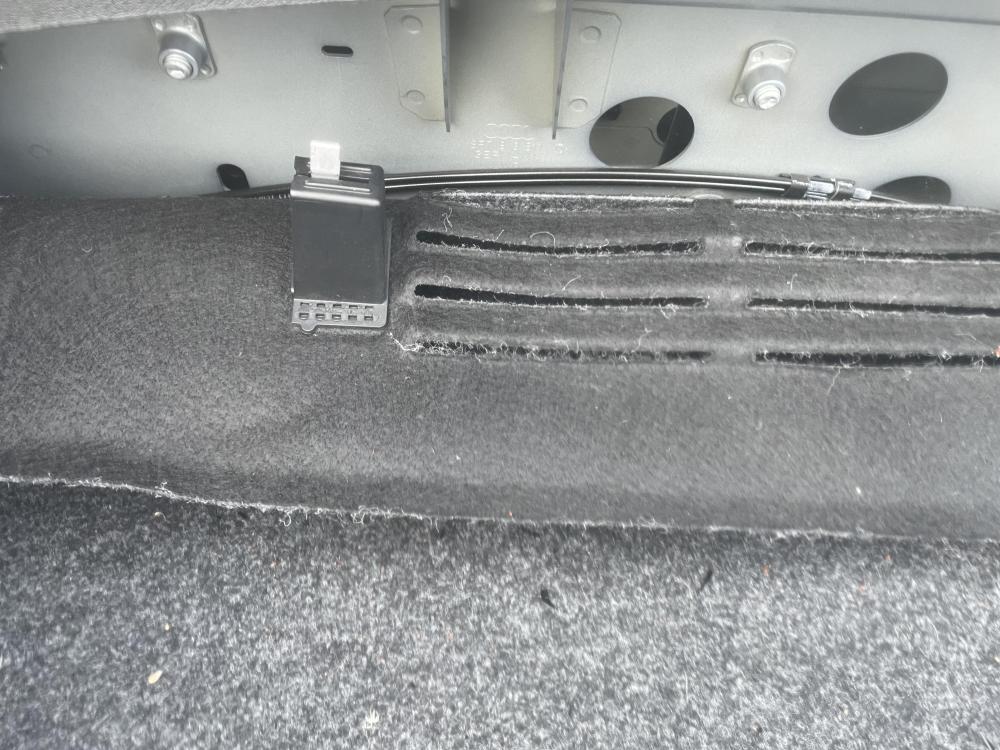
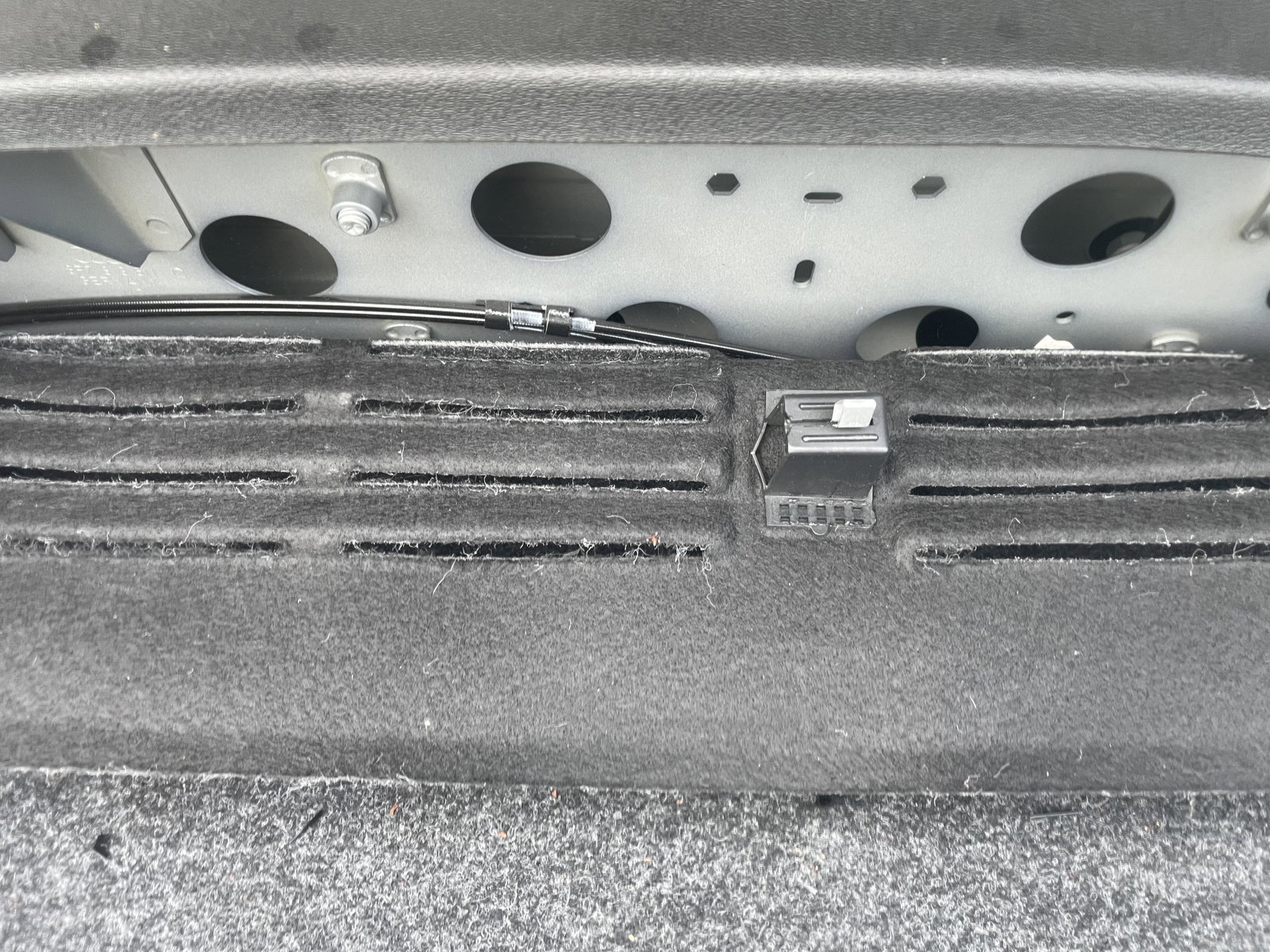
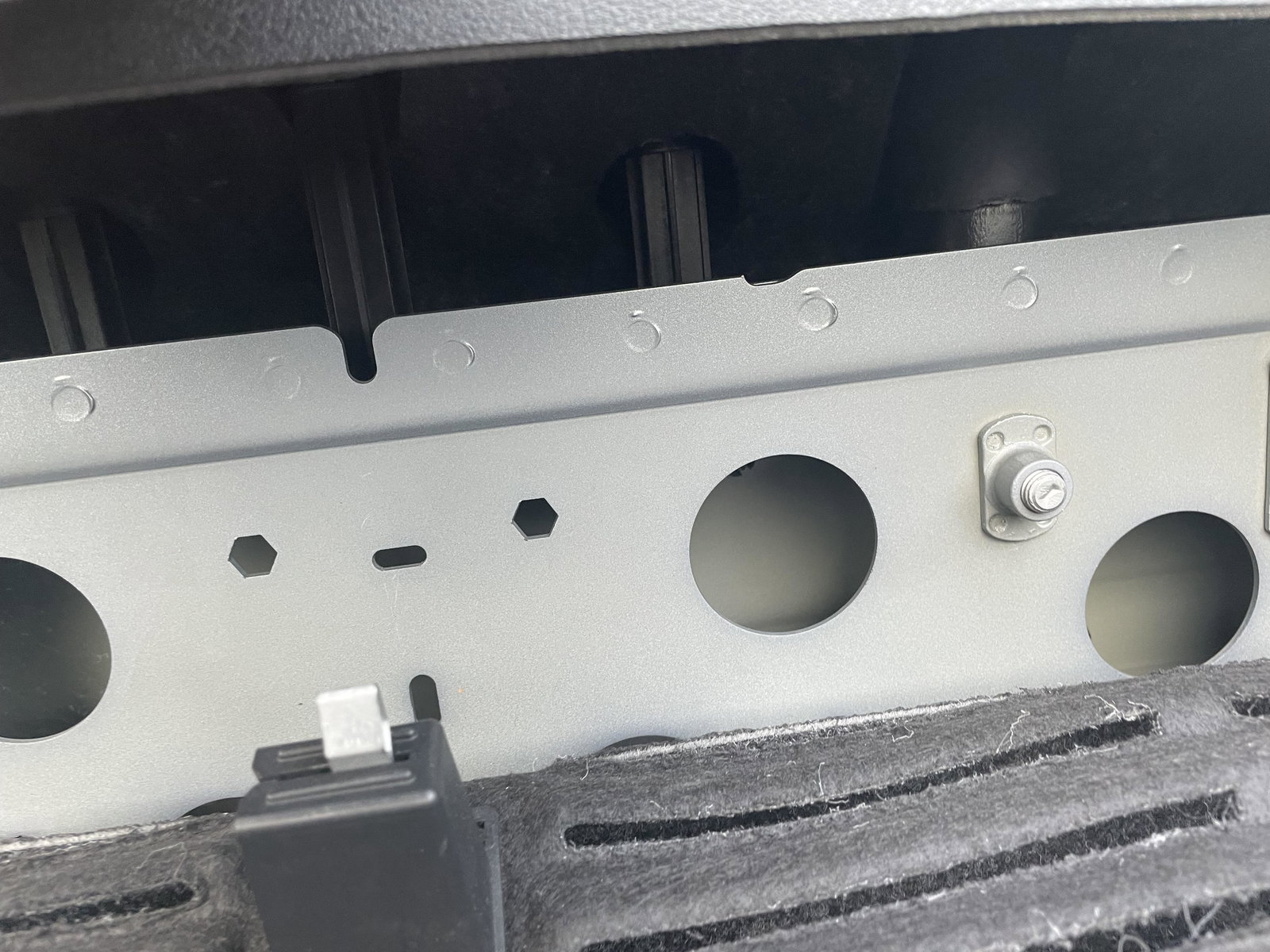
  1. My husband reckons this is a difficult and specialist problem but looking at some of the communications in this forum I am not so sure! Please can anyone advise me of whether this is an issue we (I do mean we - I'll read out instructions and offer encouragement!) might be able to have a go at ourselves (cannot be easily done putting our arms through the back seats). I hope the photographs indicated the trouble. The roof is not connecting so when I press the roof open it clunks and clicks and ... gets stuck. Thanks so much! kaz
Background Picker
Customize Layout

Account

Navigation

Search

Search

Configure browser push notifications

Chrome (Android)
  1. Tap the lock icon next to the address bar.
  2. Tap Permissions → Notifications.
  3. Adjust your preference.
Chrome (Desktop)
  1. Click the padlock icon in the address bar.
  2. Select Site settings.
  3. Find Notifications and adjust your preference.