




Steve Q
Moderators
-
Joined
-
Last visited
Everything posted by Steve Q
-
Hope it works ok 👍
-
Thanks for the heads up 👍
-
You've done what you can as you'll need it in black and white from the manufacturer in order for dvla to change it. Might be worth you looking at specialist car insurance like Adrian flux or footman James who specialise in oddities.
-
Was the part number matching to the original one. A diagnostic check might be a good idea too.
-
Yep it was 🙂 you could also look at rgm. My dad had one of their plastic bumper protectors on his Merc and was good quality.
-
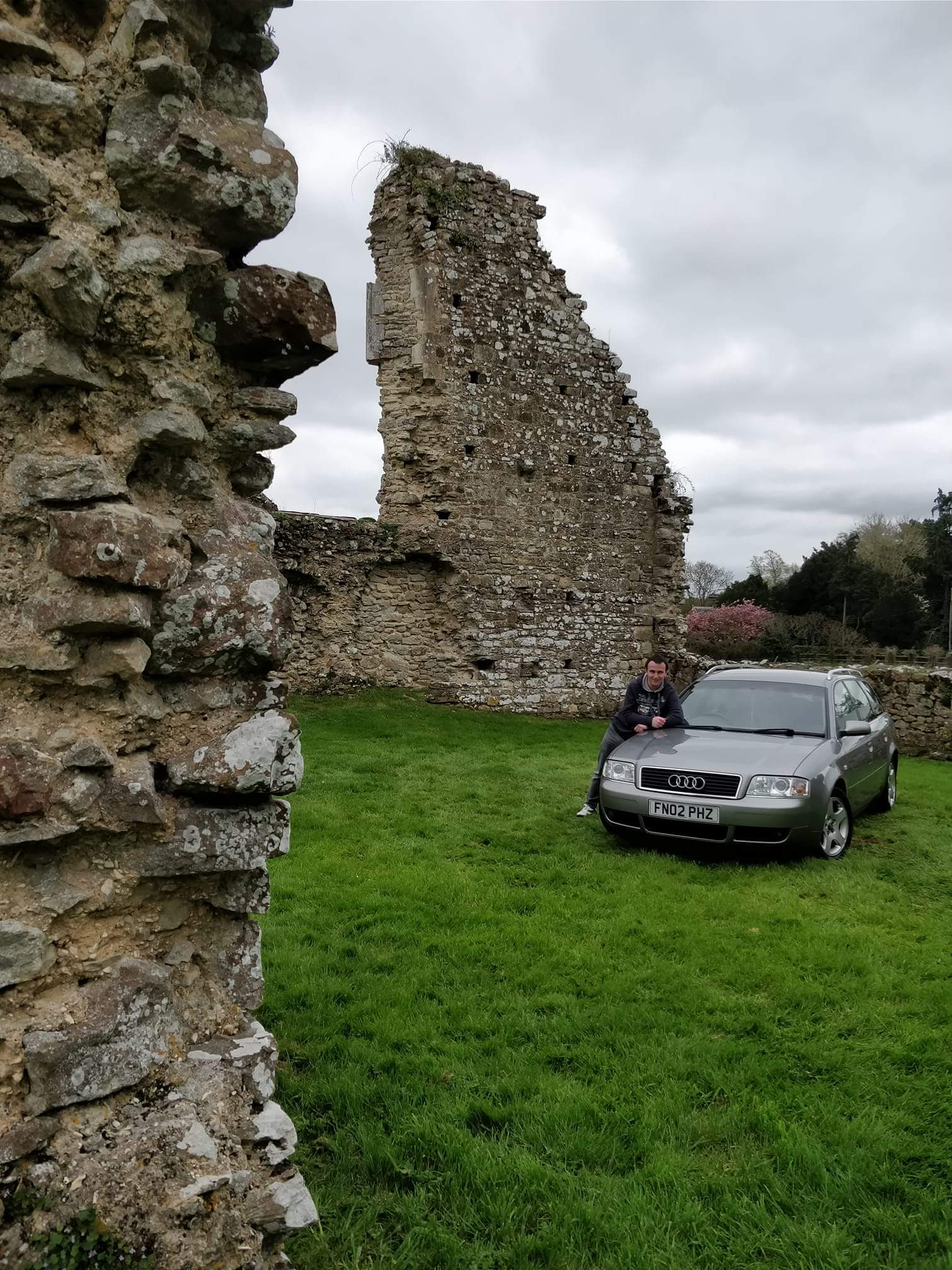
I have one just like that on my Ford kuga daily (my old a6 is in semi retirement lol). It looks good and does the job nicely. Comes with 3m tape but I'd advise using a little more tape then it comes with.
-
Welcome to the forum you'll find the members on here are a friendly and helpful bunch ☺️
-
I don't believe it'll need to be coded. If you were to deactivate start stop permanently then that would have to be coded in via a diagnostic tool.
-
Welcome to the forum you'll find the members on here are a friendly and helpful bunch 🙂 I'd recommend just getting done universal rubber ones from Halfords. The vent next to the gearstick you might find is a coin or card holder depending on it's size.
-
You're welcome 😊
-
You're welcome 😊
-
So sorry to hear that. Hope you have more luck with the others.
-
I do wonder if it's glow plugs.
-
Nice! 👍 Youll have to look at coming along to some of the shows. Have a look at the events section.
-
Lovely colour combo! 👍
-
If you've just bought it from a dealer within 30 days you're entitled to a full refund if it's been mis sold. If it's not in the mmi function then it hasn't got it. If you had it and no SD card installed it would say no SD card installed. To have it installed youll need to fork out around £500.
-
Dunno if this will help, I personally haven't used them: https://cardiagn.com/audi-a6-c7-4g-2011-2018-workshop-manuals-wiring-diagrams/ https://forums.ross-tech.com/index.php?threads/20399/
-
Could be glow olugs or injectors. You could also look at getting a diagnostic check.
-
Welcome to the forum you'll find the members on here are a friendly and helpful bunch ☺️ great looking Audi a d great back drop. My brother is into his jap cars abd gas a modified Suzuki swift 🙂
-
Thanks for the recommendation 🙂 I wonder if they'd do a auto folding mirror retro fit on my old a6 🤔 I have all the bits.
-
This is the risk when buying at any form of auction. Timing chains can stretch and as you r dismantled this much you may as well change it in my opinion.
-
You could always donate it to charity as there are charities in out there will be scrap cars and benefit from them. Here's a link as an example: https://giveacar.co.uk/?gclid=Cj0KCQiAuP-OBhDqARIsAD4XHpfnz5vQ7TpGi_6t0jdg-ErS7LpUmV3XKJsdPkCFynrBiMYlIdUSlFgaAveXEALw_wcB
-
Glad you got sorted ☺️
-
Welcome to the forum you'll find the members on here are a friendly and helpful bunch 🙂 lovely Audi 100 you have there. Just like you my a6 is a cherished vehicle.
-
That's good then. Just check the small print to see what's not covered.


